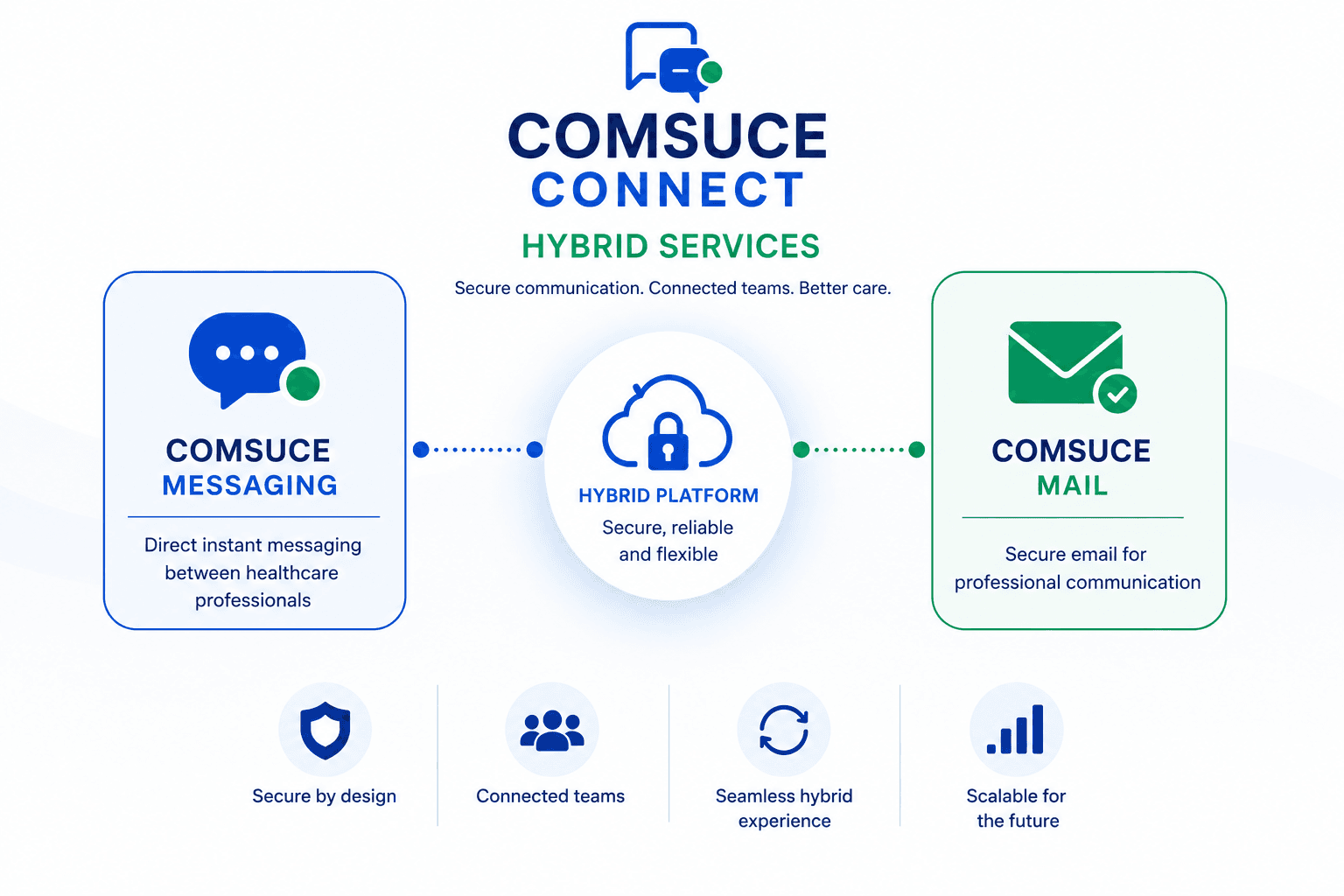
Two complementary services, designed to fit the realities of NHS practice. Choose either independently, or run them together as one integrated communication network.
NHS organisations, administrative personnel, and clinicians must be registered and subscribed to COMSUCE Connect.
02
During onboarding, organisations mutually agree to become communication partners, enabling direct messaging between their teams.
03
The platform is designed to ensure that messages are directed efficiently to the appropriate clinician, reducing delays and reliance on intermediaries.
04
The number of users in each organisation will be determined by the internal management criteria of that organisation.
05
There is no restriction on which organisations may form a partnership, enabling communication both across and within healthcare sectors. (See Table 1 below for a few examples.)
Supporting Integrated Care
A key example of COMSUCE Messaging in practice is the communication between community pharmacies and GP surgeries. The platform enables direct engagement between community pharmacists and general practice clinicians.
Pharmacy
Community Pharmacist
Direct
GP Surgery
General Practice Clinician
See features below ↓
Key Capabilities
A few practical features below demonstrate the efficiency of COMSUCE Messaging between Community Pharmacists and General Practice Clinicians.
01
Instant Communication
Real-time/instant communication exists directly between the pharmacists and GP clinicians.
02
Personalised Menu
Both parties will have a unique, customised menu bar on their NHS PC, allowing them to send and receive messages seamlessly.
03
Fast Delivery
Messages are delivered within seconds, helping to reduce delays and ensure swift action. The receiving clinician is alerted via their COMSUCE menu bar.
04
Medication Updates
Any changes in medication can be communicated directly and instantly between prescribers and pharmacists, reducing the risk of medication errors, polypharmacy, and waste.
05
Stock Management
Pharmacists can notify prescribers of discontinued or out-of-stock items, along with alternative options, ensuring timely resolutions for patients.
06
Quick Resolution
Identified prescription issues from the pharmacy side can be communicated to prescribers instantly, minimising risks to patient health.
07
Delayed Prescriptions
If a prescription is delayed or post-dated due to clinical reasons, prescribers can easily inform pharmacists to provide clarity and avoid any form of confusion.
08
Direct Communication
By enabling direct communication between prescribers and pharmacists, COMSUCE reduces the potential for misinformation caused by third-party intermediaries.
09
Secure Records
All clinical communications are securely stored in the patient's records, providing a clear audit trail and ensuring continuity of care for future healthcare interactions.
COMSUCE Mail
COMSUCE Mail facilitates a combination of administrative oversight with clinician to clinician communication (both across and within healthcare sectors, see Table 1 below) to ensure that clinical queries are managed in a structured, secure and traceable manner. It supports:
Improved coordination across services
Reduced delays in resolving clinical queries
Clear accountability and auditability of communications
Enhanced collaboration across the wider NHS ecosystem
How the Service Works
Step 01
Approved registration to COMSUCE Connect grants you access to COMSUCE Mail.
Step 02
Unlike COMSUCE Messaging, there is no requirement for predefined communication partners, allowing flexible communication across the network.
Step 03
A clinician submits a query, which is received centrally by the recipient organisation's administrative team.
Step 04
Administrative personnel initiate a secure communication link between the relevant clinicians.
Step 05
Once established, clinicians can communicate directly within a defined timeframe (typically 14 days), after which the link automatically closes.
Step 06
There can still be an initial direct “clinician to clinician” communication but it is subject to clinicians enabling direct contact to them.
Step 07
Communication between both clinicians can be mutually continued directly between them after the 14 day link has expired and closed.
Table 1
Brief example of within and across healthcare sectors
Within
Between community pharmacies, or between GP surgeries
Across
Between GP surgeries and hospitals
Between community pharmacies and GP surgeries
Between GP surgeries and Integrated Care Boards
Between mental health providers and GP surgeries
Between community care providers (district nurses, community matrons, physiotherapists, podiatrists, dietitians, continence and stoma care services) and GP surgeries
Between dental practices and pharmacies or GP surgeries
Between hospices and GP surgeries or pharmacies
Between care homes and pharmacies or GP surgeries
Our Additional Service
COMSUCE GROUP CHAT
Overview
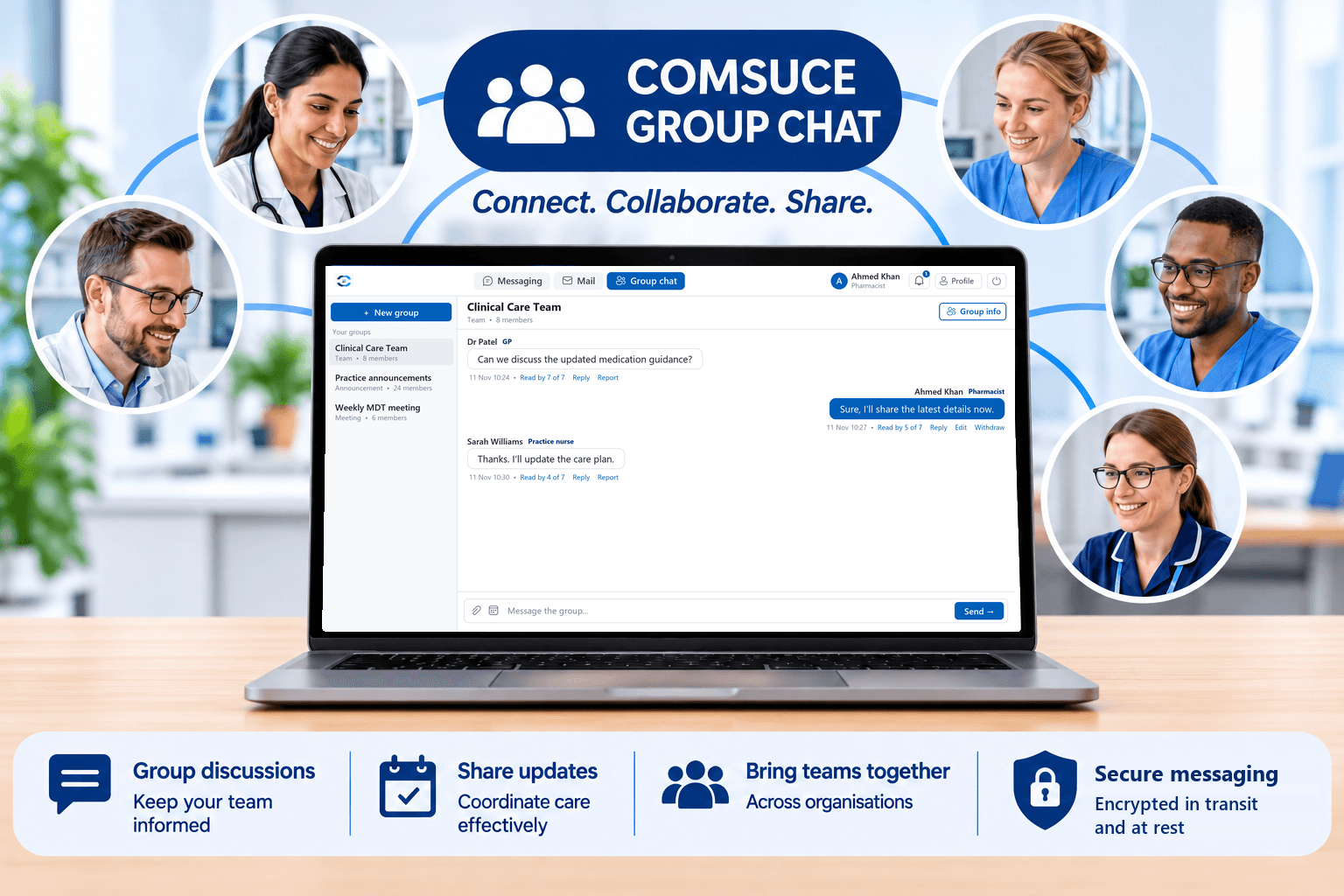
COMSUCE GROUP CHAT is a collaborative communication service that enables registered healthcare professionals from different healthcare organisations to establish dedicated groups for professional discussions, information sharing and coordinated working.
The service provides a centralised communication environment where authorised members can exchange information, discuss clinical and operational matters, share updates and coordinate professional activities. It aims to strengthen communication and collaboration between healthcare professionals across organisational and sector boundaries.
For clinical governance purposes, please take note that this medium should not be used for any identifiable named patient discussions.
How to Create a Group
Creating a COMSUCE GROUP CHAT is straightforward:
Step 01
Access Group chat: Log in to your COMSUCE CONNECT account and select Group chat.
Step 02
Select New group: Click on the New group option to initiate the creation of a new group.
Step 03
Create a group name: Enter an appropriate name that reflects the group's purpose, professional function or intended area of discussion. Choose what the group is for, confirm the patient-information notice and select Create group.
Step 04
Invite group members: Select Group info and, under Invite someone, enter the NHS email addresses of the registered COMSUCE professionals you wish to invite.
Step 05
Send invitations: Submit the invitations to the selected professionals.
Step 06
Accept invitations: Invited members receive a notification in COMSUCE and by email, and can accept the invitation by entering their COMSUCE number to become group members.
Step 07
Commence group communication: Once members have joined, the group administrator and participants can begin communicating and sharing relevant professional information.
The individual who creates the group automatically assumes the role of group administrator and is responsible for managing group membership.
Key Features
Professional group discussions: Facilitates communication between healthcare professionals working across different organisations.
Information sharing: Enables members to exchange relevant professional information and updates.
Meeting coordination: Supports the sharing of meeting arrangements, dates and reminders.
Team collaboration: Provides a shared communication space for multidisciplinary and cross-organisational working.
Group administration: Enables designated group administrators to manage membership and group participation.
Key Benefits
Improved inter-organisational communication: Strengthens professional communication across healthcare settings.
Enhanced collaborative working: Supports multidisciplinary discussions and coordinated professional activities.
Efficient information exchange: Provides a centralised channel for sharing relevant updates and information.
Improved team coordination: Facilitates the organisation of meetings, discussions and shared activities.
Greater professional connectivity: Enables healthcare professionals to establish and maintain communication networks across organisational boundaries.
Convenient communication: Reduces reliance on fragmented communication channels for routine professional group discussions.
Supporting Collaborative Healthcare Working
COMSUCE GROUP CHAT provides healthcare professionals with a dedicated environment for structured group communication, supporting better information sharing, professional collaboration and coordination across healthcare organisations.
COMSUCE GROUP CHAT – Connecting Healthcare Professionals. Supporting Collaborative Working.
Demonstration Video
Onboarding COMSUCE Messaging & COMSUCE Mail
For an enhanced descriptive video on both COMSUCE Messaging and Mail, visit one of our social media channels to see more.
Ready to bring your organisation onto the network?
Register your organisation and your clinicians in minutes. We'll guide you through verification and partner selection for both Messaging and Mail.